Smart Home
The 3 Best Smart Locks of 2026
A smart lock ends the spare-key-under-the-mat era: codes for family, temporary access for guests and cleaners, and a phone alert every time the door opens or closes. No more wondering whether you locked up — the lock tells you.
The market splits two ways: full replacements that swap your whole deadbolt for a keypad lock, and retrofit models that keep your existing exterior hardware and motorise the thumb turn inside. We focused on locks with reliable auto-locking, sensible access-code management, and support for the major smart home platforms. These three cover both styles, and each one installs with a screwdriver in well under an hour.
Our Top Picks
- Schlage Encode Plus — Best Overall
- Yale Assure Lock 2 — Best Design
- August Wi-Fi Smart Lock — Best Retrofit
At a Glance
| # | Product | Score | Price | Best for |
|---|---|---|---|---|
| 1 | Schlage Encode Plus | 4.7 / 5 | $320 | — |
| 2 | Yale Assure Lock 2 | 4.6 / 5 | $240 | — |
| 3 | August Wi-Fi Smart Lock | 4.5 / 5 | $230 | — |
1. Schlage Encode Plus
Best Overall
WHBUYS Score: 4.7 / 5
This is the lock we would fit on our own front doors. It is one of the few models that works with Apple Home Key, so a tap of an iPhone or Apple Watch opens the door — no code, no app, no fumbling for keys with arms full of groceries — and it also answers Alexa and Google Assistant voice commands. Wi-Fi is built in, so there is no extra hub to plug in and lose; the backlit keypad stores up to 100 access codes, and the hardware carries a top-grade BHMA residential security rating, the strongest in its class. In daily use, auto-lock and door-position alerts simply work, and the batteries last roughly six months. It sells for around $320 — the priciest pick here, but the build quality earns it.
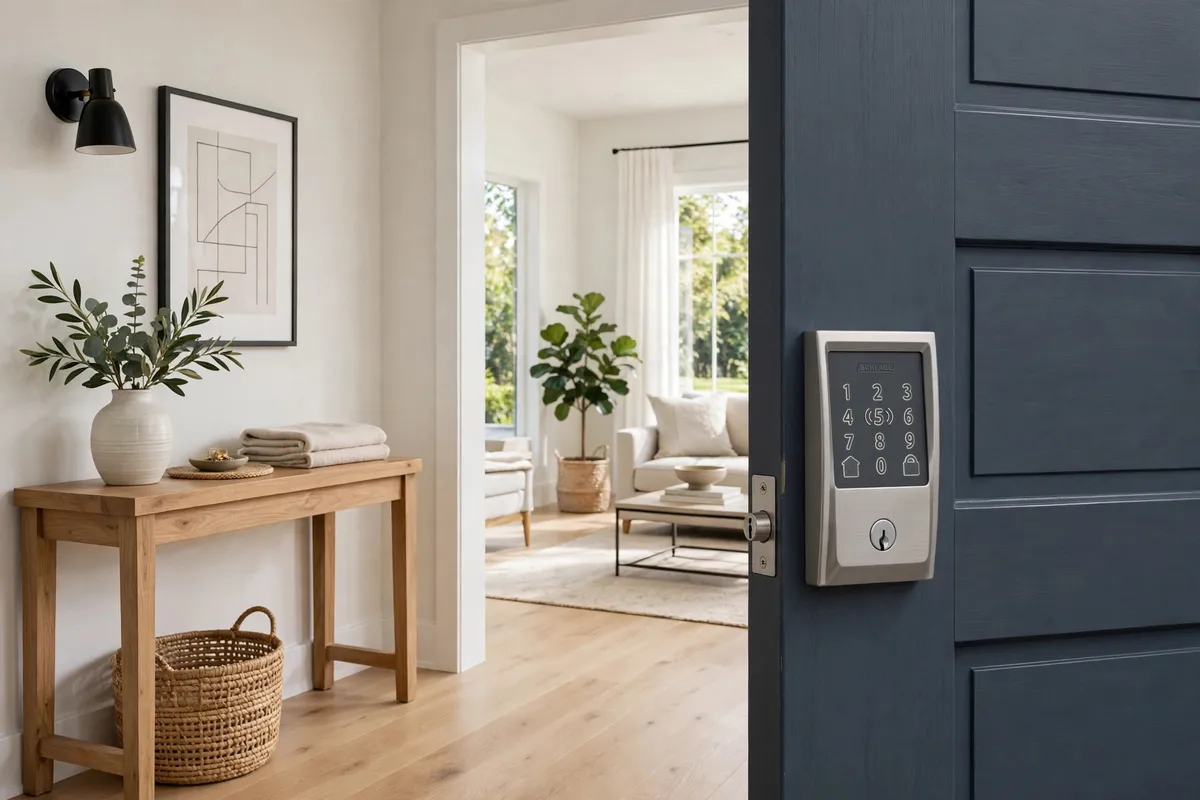
- Apple Home Key tap-to-unlock
- Built-in Wi-Fi, no hub required
- Up to 100 access codes
What we like
- Home Key plus all major platforms
- Sturdy, top-rated hardware
What to consider
- Most expensive pick here
- Keypad styling is traditional
2. Yale Assure Lock 2
Best Design
WHBUYS Score: 4.6 / 5
Most smart locks look like gadgets bolted onto a door; the Assure Lock 2 looks like hardware a designer chose on purpose. The slim keypad sits nearly flush, it comes in keyed or key-free versions, and the optional auto-unlock uses your phone's location to open the door as you arrive home — hands full of shopping, no code needed. DoorSense tells the app whether the door is actually closed, not just locked, and auto-lock engages when it shuts. Wi-Fi versions connect without a separate module. It sells for around $240 depending on finish and configuration, and it works with Alexa, Google Assistant, and Apple Home.
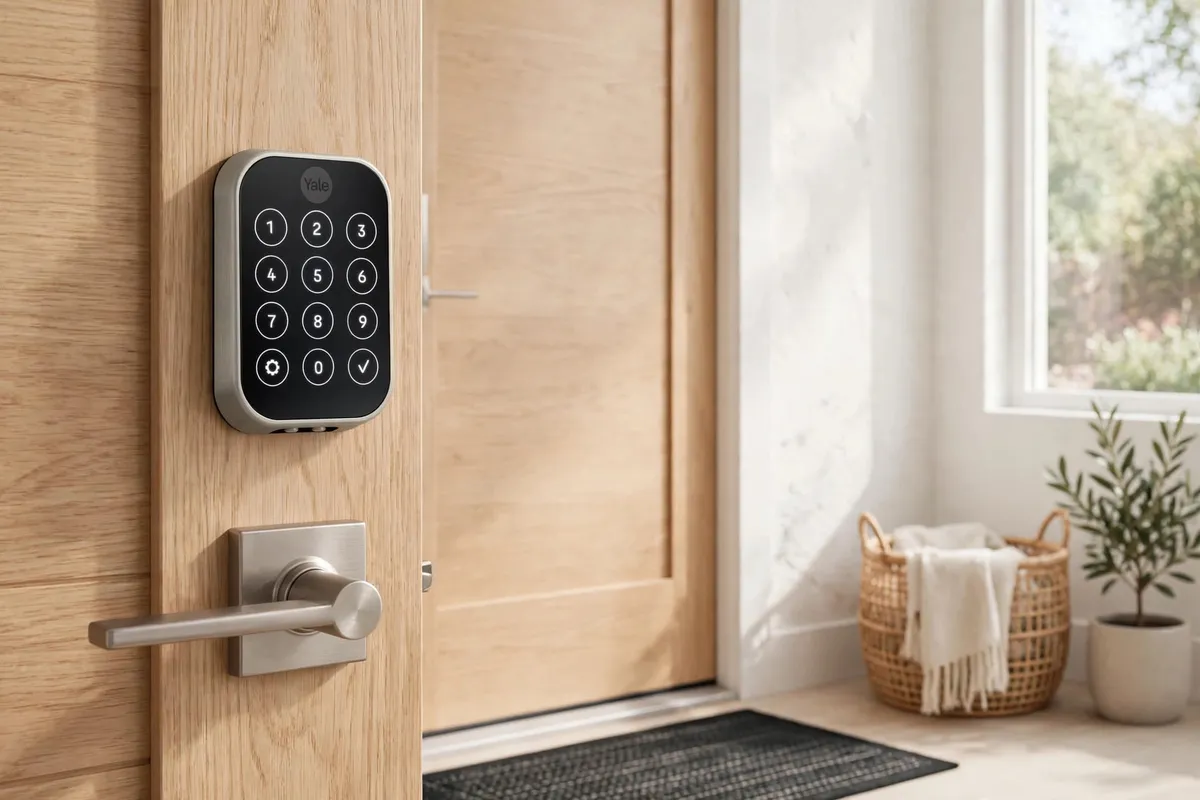
- Slim, low-profile keypad design
- DoorSense open/closed detection
- Auto-unlock as you arrive home
What we like
- Cleanest look of any pick here
- Keyed and key-free versions
What to consider
- Wi-Fi use shortens battery life
- Some features cost extra as modules
3. August Wi-Fi Smart Lock
Best Retrofit
WHBUYS Score: 4.5 / 5
The August is the pick for renters and anyone attached to their existing keys. It replaces only the interior thumb turn and works with the deadbolt already in your door, so the outside looks completely unchanged and your old keys still work — no landlord conversation needed about new exterior hardware. Wi-Fi is built in, so there is no bridge to buy or plug in; the app hands out guest keys with time limits, and DoorSense reports whether the door is actually shut. Auto-lock and auto-unlock both work, and it covers Alexa, Google Assistant, and Siri. It sells for around $230, and the main compromise is battery life at roughly three to six months.
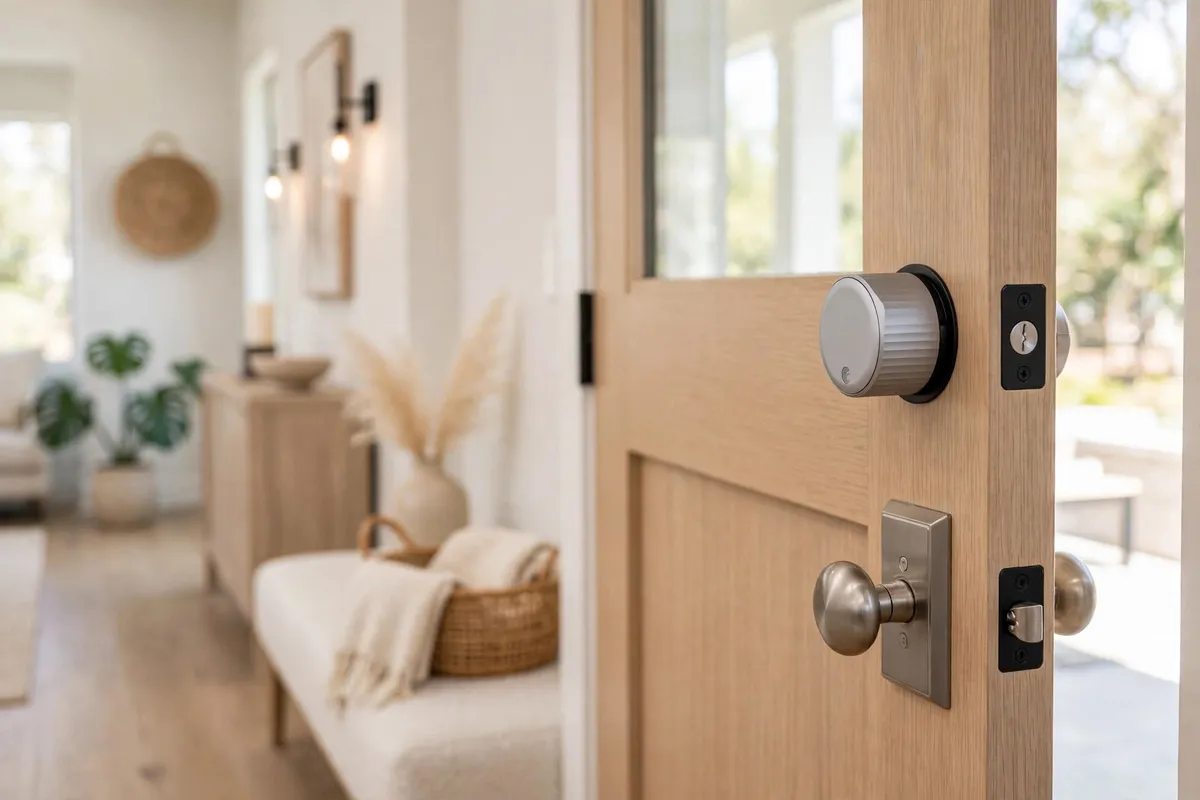
- Fits over your existing deadbolt
- Keep your original keys and exterior
- Built-in Wi-Fi, no bridge needed
What we like
- Fastest, least invasive install
- Ideal for rentals and HOAs
What to consider
- Shorter battery life than keypad locks
- No keypad unless you add one
How to Choose a Smart Lock
Start with the form factor: full replacement or retrofit. A full replacement adds a keypad — the thing most families end up using more than the app — and carries an independent security rating. A retrofit keeps your existing cylinder and keys, installs faster, and leaves the door's exterior untouched, which is the right call for rentals. Whichever you choose, measure first: confirm the lock fits your door's thickness and backset before ordering, and check whether Wi-Fi is built in or needs a plug-in bridge near the door.
Then think about daily use. Auto-lock ends the "did I lock up?" worry, scheduled codes suit cleaners and dog walkers, and an activity log shows who came and went. In a household that mixes phone platforms, pick a lock that supports all of them rather than one that ties you to a single ecosystem — and keep a physical key, or exterior battery contacts, in mind for the rare dead-battery day.
Frequently Asked Questions
What happens if the batteries die?
Every smart lock warns you weeks ahead through its app, so a dead battery should never catch you out. If it does happen, keypad models still open with a physical key, and many have exterior contacts for a quick boost from a 9V battery.
Can I give a code to my cleaner or guests?
Yes. All three picks support multiple access codes, and you can set a code to work only on certain days and times, then delete it when it is no longer needed.
Are smart locks secure?
Reputable models use encrypted connections and carry the same mechanical security ratings as quality conventional deadbolts. Pair that with a strong account password and two-factor authentication, and the lock is as secure as the door it sits in.